Finance & accounting
The e-invoice is one click, not a project.
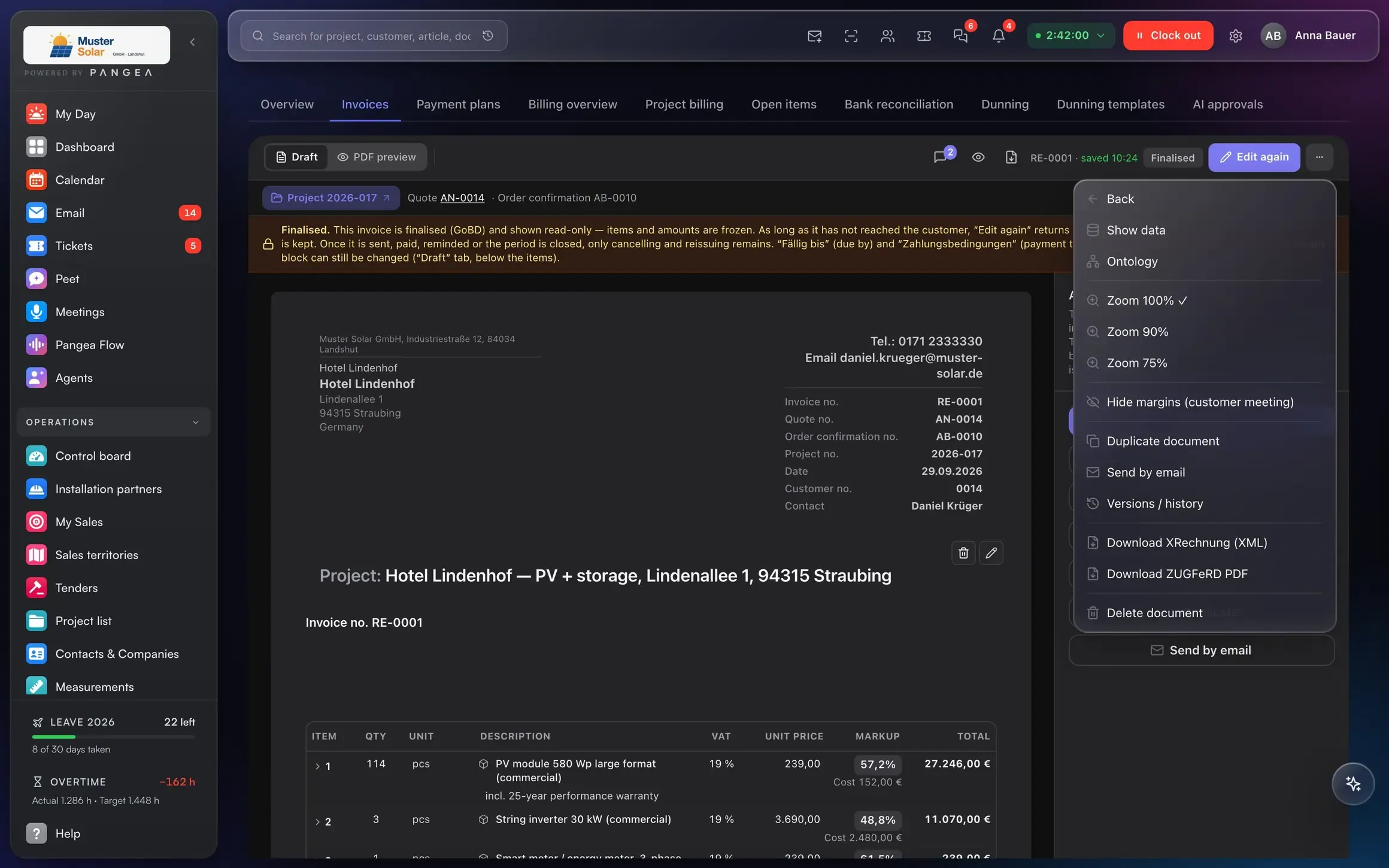
XRechnung and ZUGFeRD to EN 16931, bank reconciliation, dunning and DATEV export (the German tax-adviser standard), all from the same system that created the invoice.
What's inside
From the invoice to the tax adviser.
XRechnung and ZUGFeRD.
From the same invoice, to EN 16931, including § 13b reverse-charge cases. Ready for every public-sector contract.
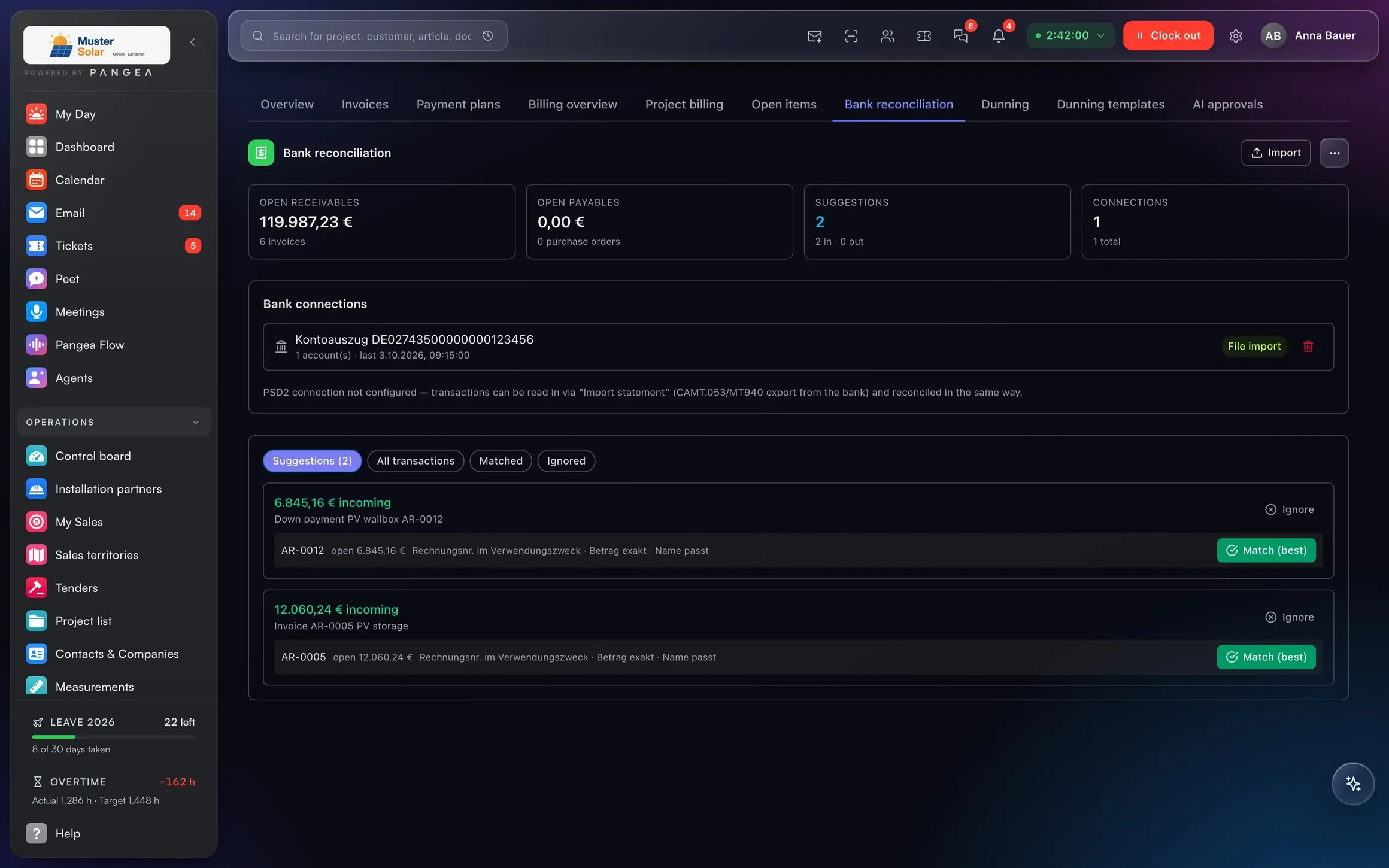
Bank reconciliation.
Payments find their invoices automatically. Whatever stays open, you see at once.
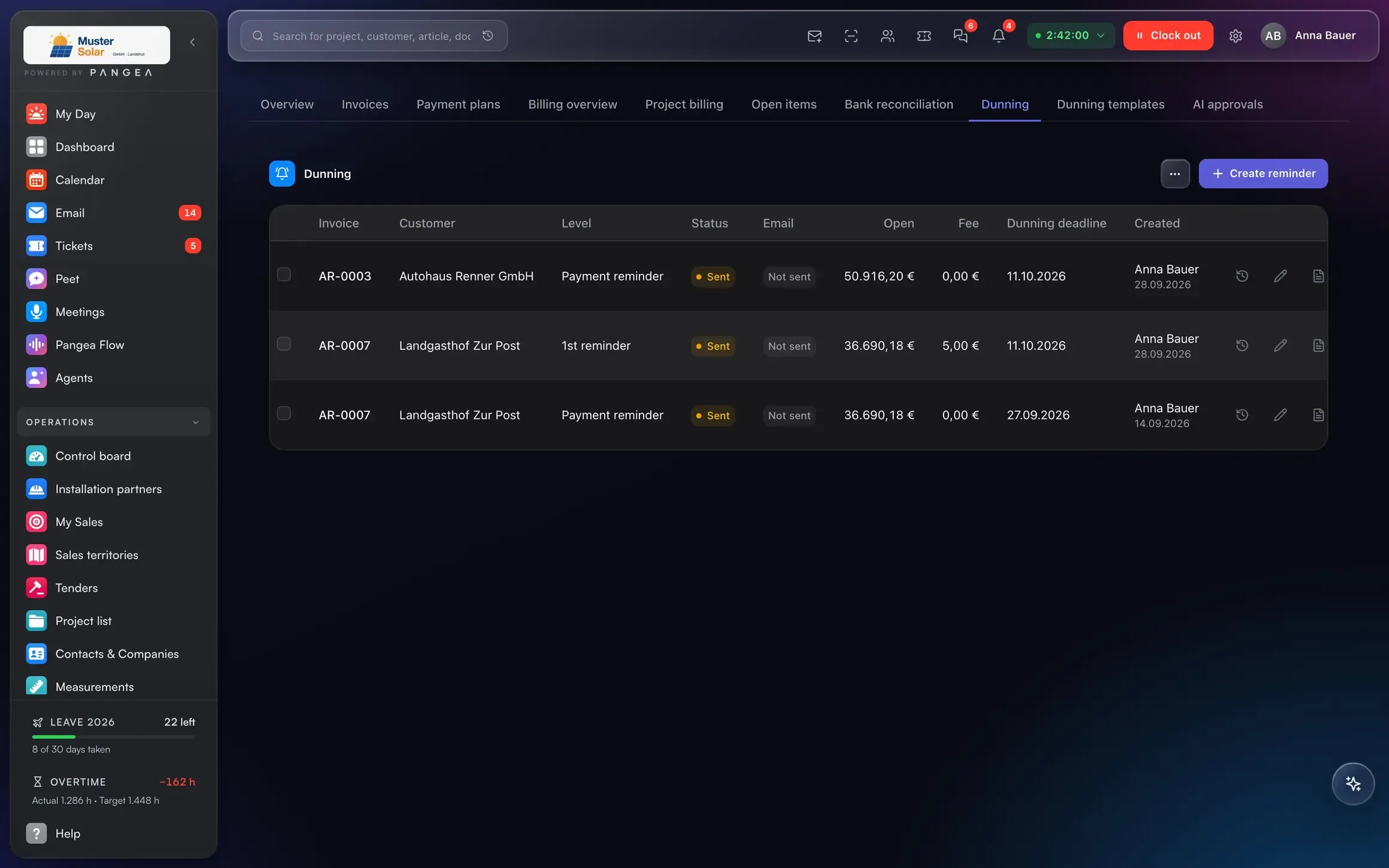
Dunning.
Overdue items, reminder levels, texts: suggested, approved, sent.
DATEV export.
Posting batch and documents to the tax adviser, DATEV Online straight from the system.
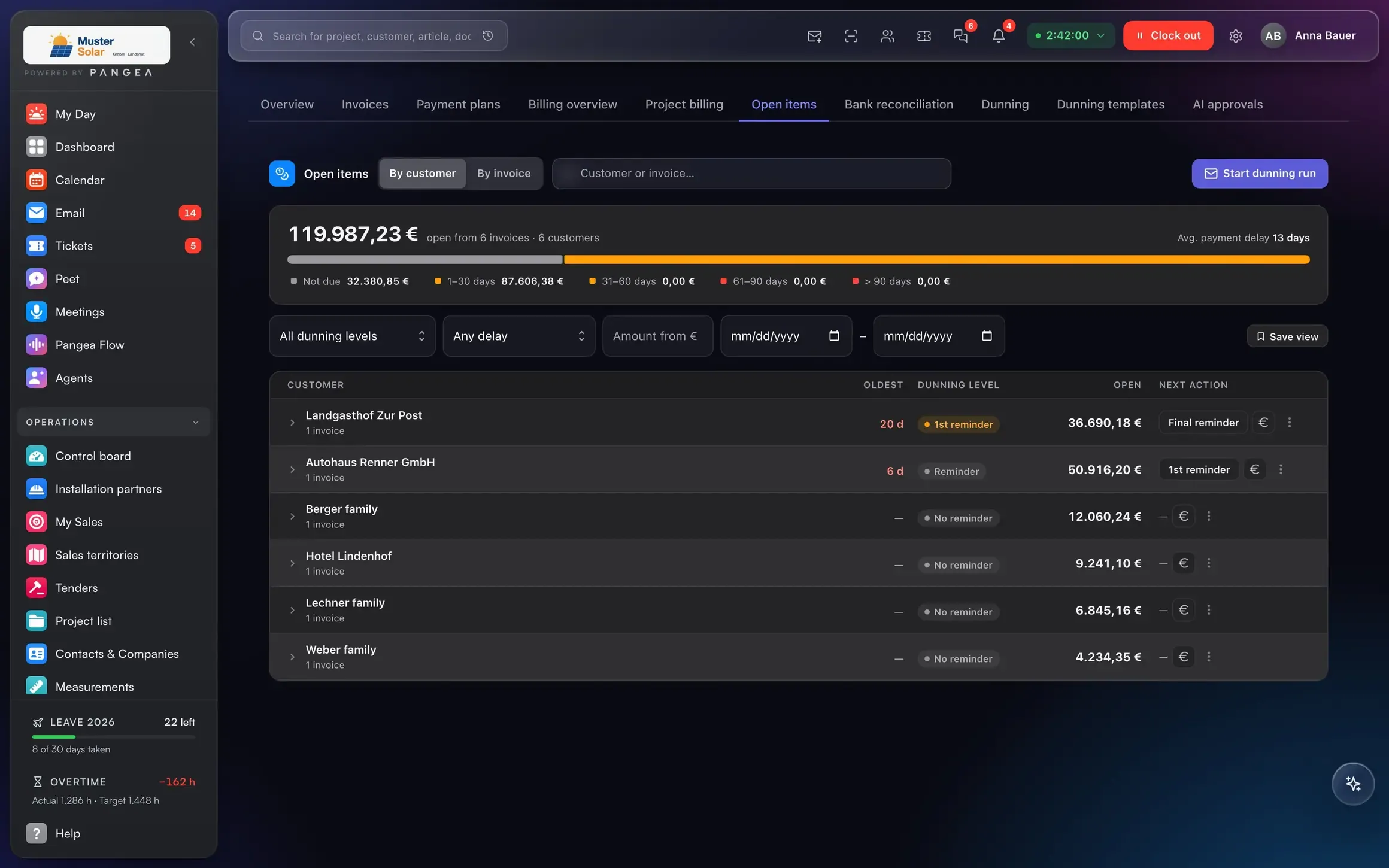
Connected to
One payment, and three things happen.
Bank reconciliation recognises RE-0002.
Installation phase, the team gets a push notification.
Cash position and open items for management.
The posting is in the next export.
Customer, project, document and payment are one model. That is why the next step follows from the previous one, without re-entry.
AI in this area
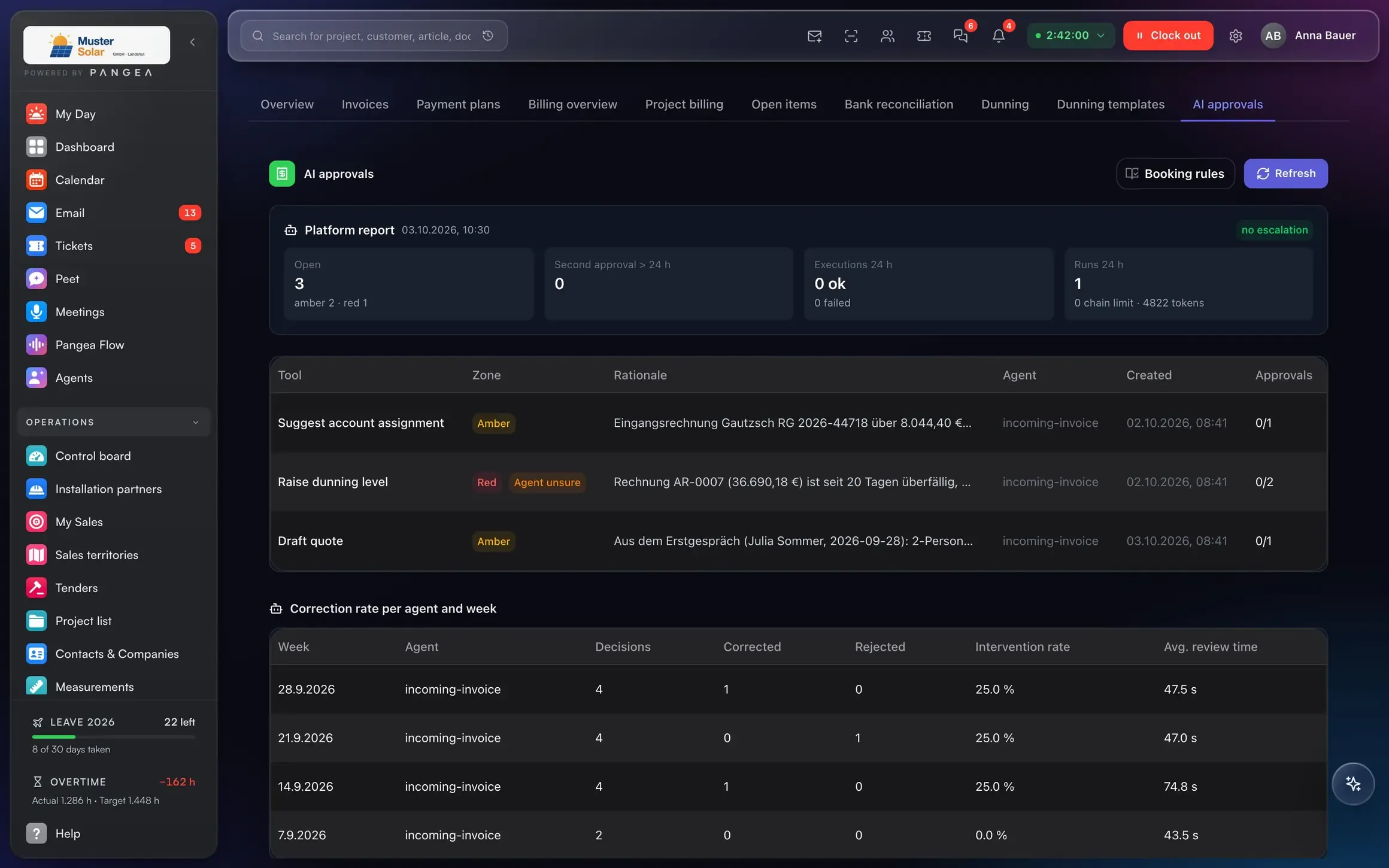
The AI proposes. You approve.
Photograph a supplier invoice: supplier, amount, account and project recognised, ready for approval.
Overdue items with a prepared text, you approve.
Answers with sources, only with what the person asking may see. Data in the EU.
Who it's for
Three roles, the same numbers.
E-invoice, reconciliation, reminders without a second system.
Cash position and open items every morning.
DATEV export instead of a box of paper.
Replaces
Lexware Office, DATEV Unternehmen online ≈ €25 per business
Included in the Pangea user price.
Frequently asked questions
What businesses ask us about finance.
Is Pangea GoBD-compliant?
Do I still need DATEV?
Which banks are supported?
Can I handle reverse charge?
Next step
A demo with someone who has issued progress invoices themselves.
30 minutes on your own example: one project from quote to payment, with your numbers.
Data migration via DATANORM, Excel and DATEV.