Projects & control centre
The project status, without a phone call.
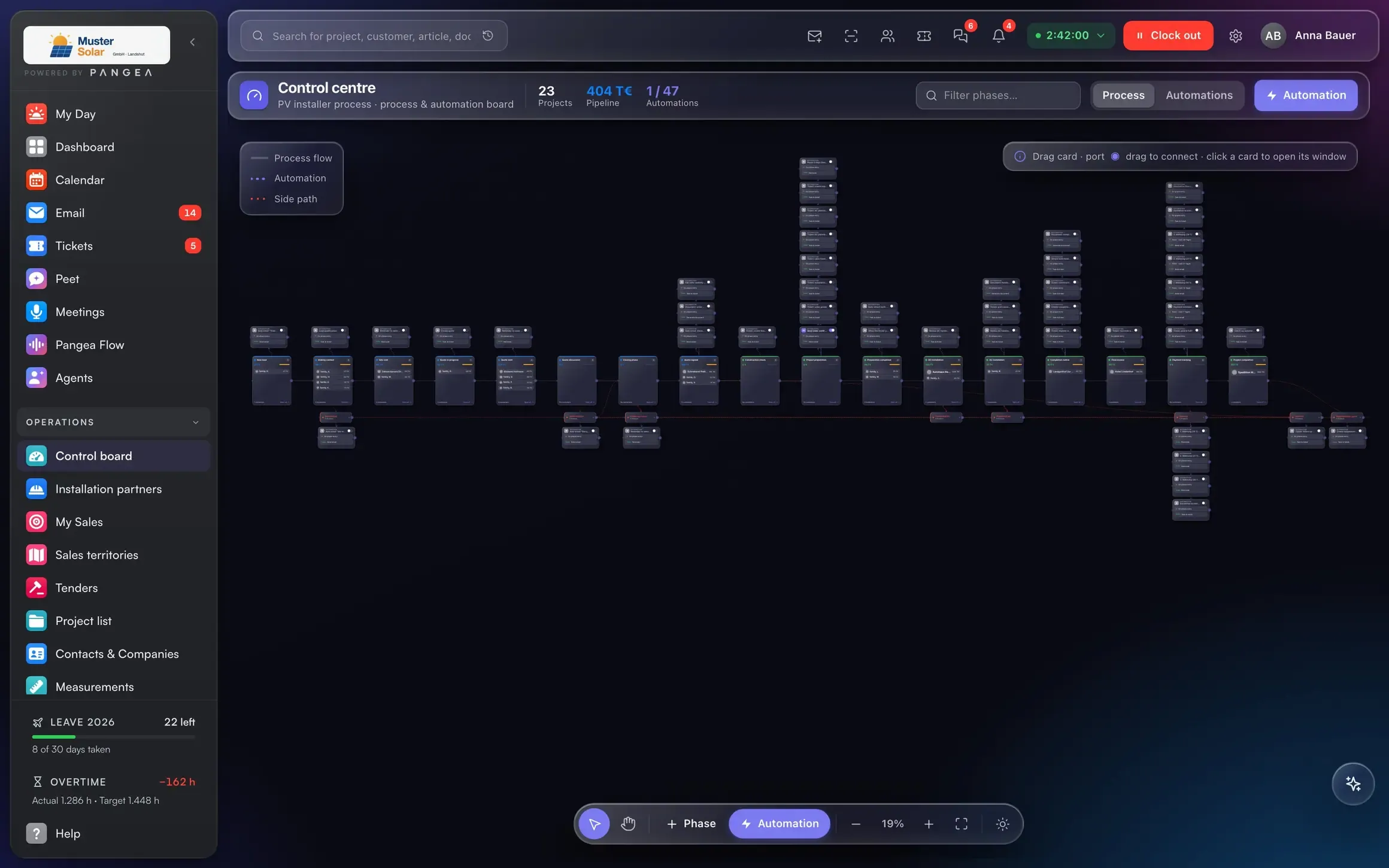
The control centre shows every phase with mandatory tasks, material and margin. Automations trigger the next step.
What's inside
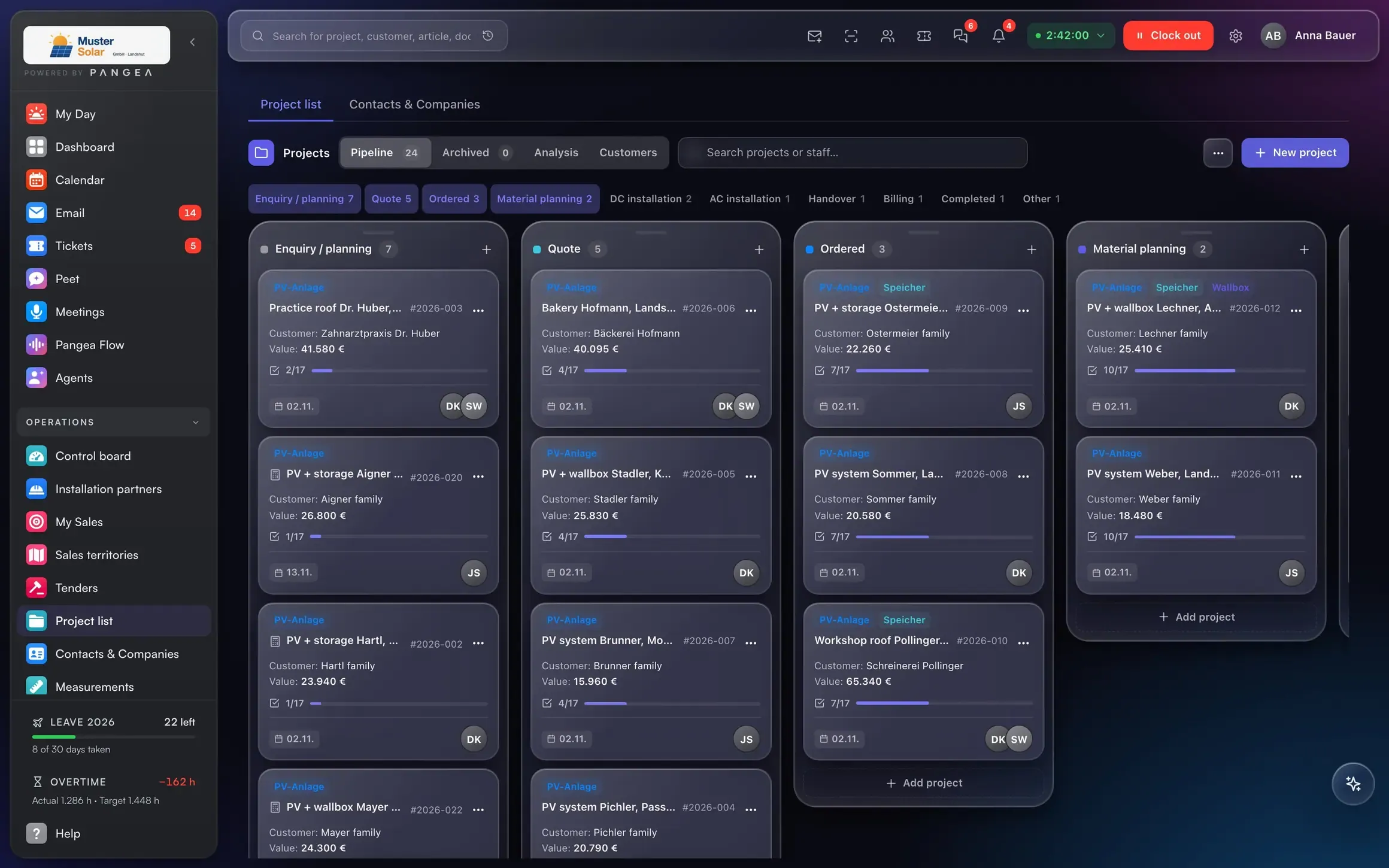
From enquiry to handover, in phases.
Phase board with mandatory tasks.
Every phase has tasks that must be done before it moves on. The people responsible get a push notification.
Automations per phase.
Payment received → installation phase → order material → notify the team. Rules you set yourself.
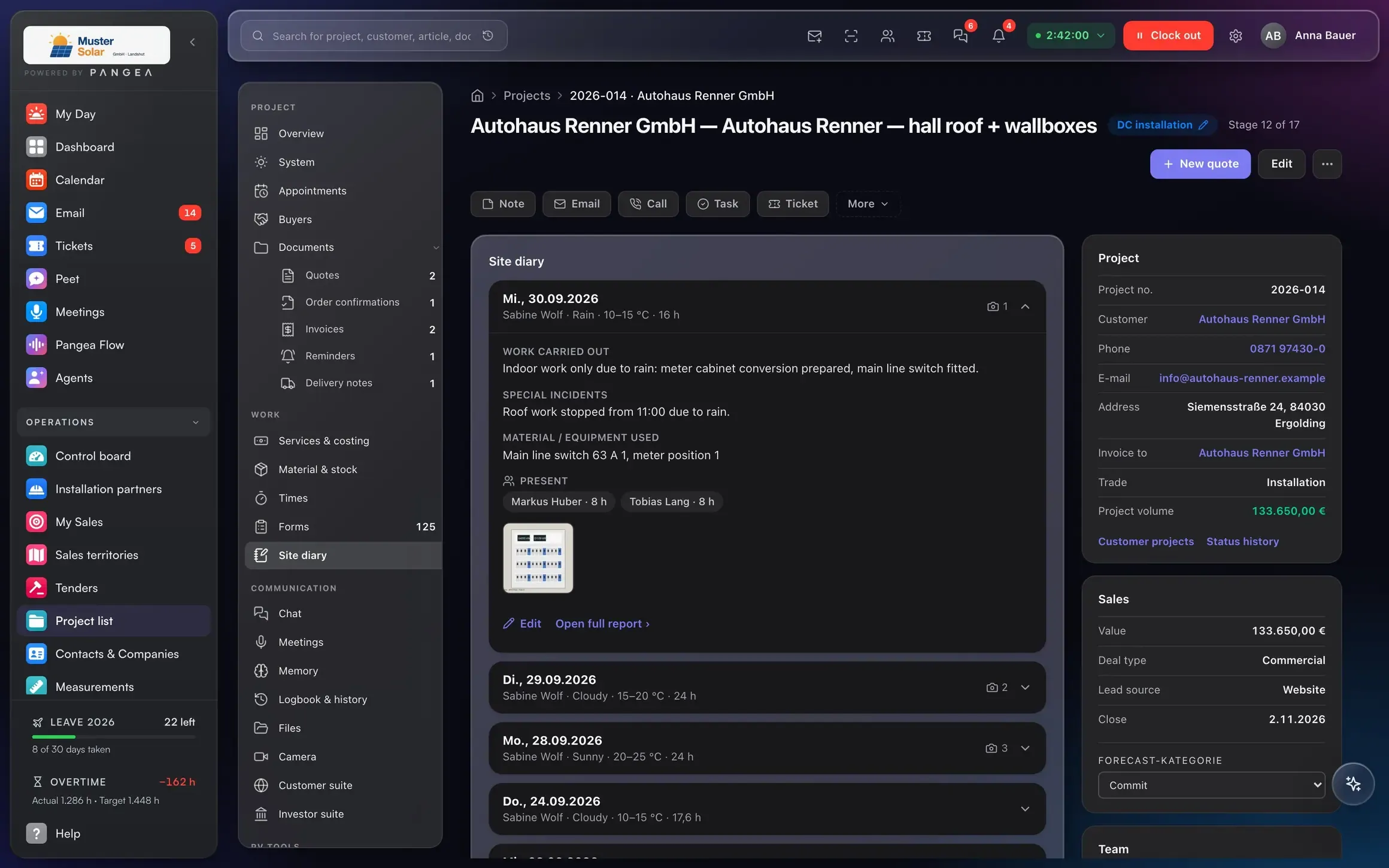
Site diary and photos from the phone.
Photos, weather, attendance and events land on the construction stage. Nothing gets lost on the phone.
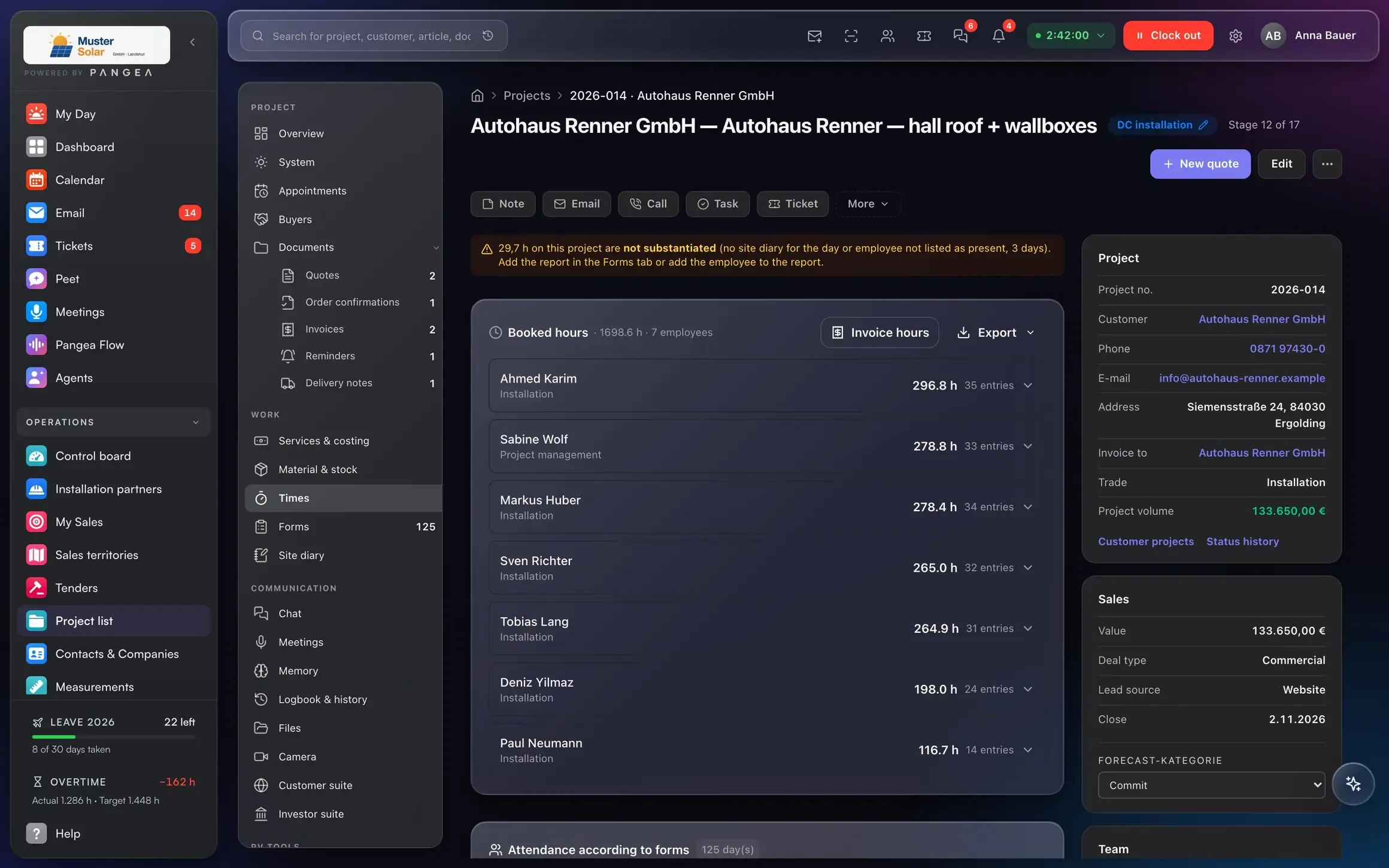
Job costing per project.
Planned against actual for hours and material, at month end without Excel.
Connected to
One project, and documents, hours and material hang off it.
From the won deal, with customer and address.
Released by the incoming payment.
Land on the project, not in limbo.
Final invoice from the stage of completion.
Customer, project, document and payment are one model. That is why the next step follows from the previous one, without re-entry.
AI in this area
The AI proposes. You approve.
Each morning the assistant shows which mandatory tasks are due today and who is missing.
Photos and a voice note become the diary entry, ready for approval.
Answers with sources, only with what the person asking may see. Data in the EU.
Who it's for
Three roles, the same numbers.
Project status per site, without a call.
Phases, tasks and material in the control centre.
Photos, hours and time-and-materials from site.
Replaces
Craftnote, Hero, plancraft ≈ €30 per user
Included in the Pangea user price.
Frequently asked questions
What businesses ask us about projects.
Can I define my own phases?
Does the site diary work offline?
Can I see the margin per project?
Can subcontractors work in it?
Next step
A demo with someone who has issued progress invoices themselves.
30 minutes on your own example: one project from quote to payment, with your numbers.
Data migration via DATANORM, Excel and DATEV.